
How Multi-Business Owners Save 10+ Hours Weekly with a Single ERP System
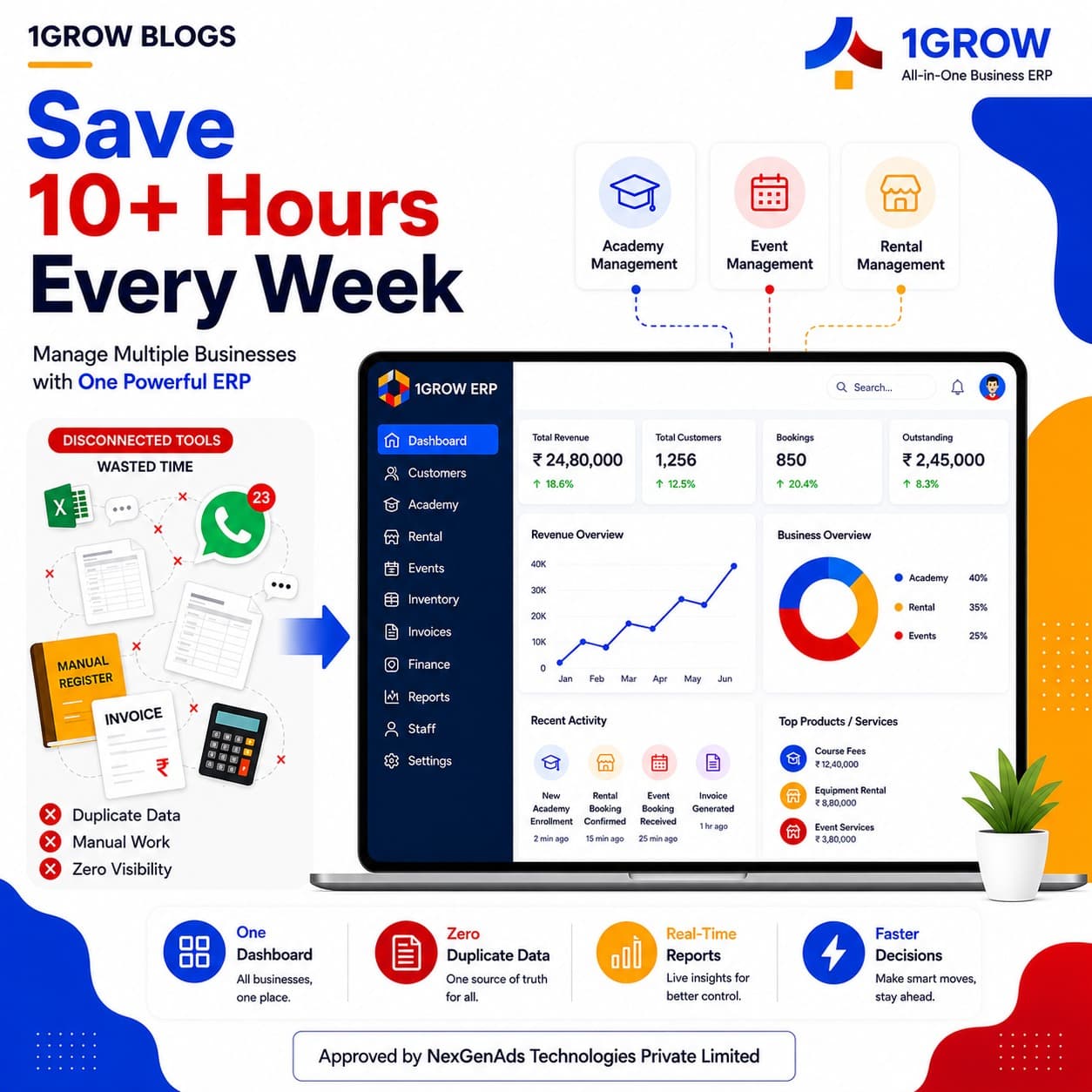
Running multiple businesses means juggling spreadsheets, WhatsApp messages, and manual registers. A unified SaaS ERP eliminates duplication and saves owners 10+ hours every week.
CoFounder, NexGenAds Technologies Pvt Ltd
TL;DR
Running multiple businesses means juggling spreadsheets, WhatsApp messages, and manual registers. A unified SaaS ERP eliminates duplication and saves owners 10+ hours every week.
The Time Drain of Running Multiple Businesses
Most multi-business owners in India spend hours every week switching between disconnected tools. One spreadsheet for the training academy, another for the rental shop, WhatsApp groups for the event company. The result is duplicated data entry, missed follow-ups, and zero visibility across operations.
Common Time Sinks
- Double data entry:同一个客户信息在三个系统中重复输入
- Manual reconciliation: Comparing revenue reports from different tools at month-end
- Scattered communication: Important messages buried in WhatsApp threads
- No unified dashboard: Each business requires a separate login and workflow
How a Unified ERP Cuts Duplication
A single-platform ERP like 1Grow connects all your businesses under one roof. Customer data, inventory, staff schedules, and financial reports are all in one place.
The Single Source of Truth
When your training academy and rental shop share the same customer database, you never have to ask a client for their details twice. When staff schedules are centralized, you avoid double-booking employees across locations.

Workflow Example: Onboarding a New Client
Without a unified system, onboarding a new client across three businesses might look like:
- 1Collect details in WhatsApp
- 2Add to academy spreadsheet
- 3Add to rental database
- 4Create event booking manually
- 5Send separate invoices from each tool
With 1Grow, the same workflow takes minutes:
- 1Add client once in 1Grow
- 2Assign to relevant modules (academy, rental, event)
- 3All teams see the client in their dashboard
- 4Invoices generated automatically
Real Savings
Multi-business owners using a unified ERP report:
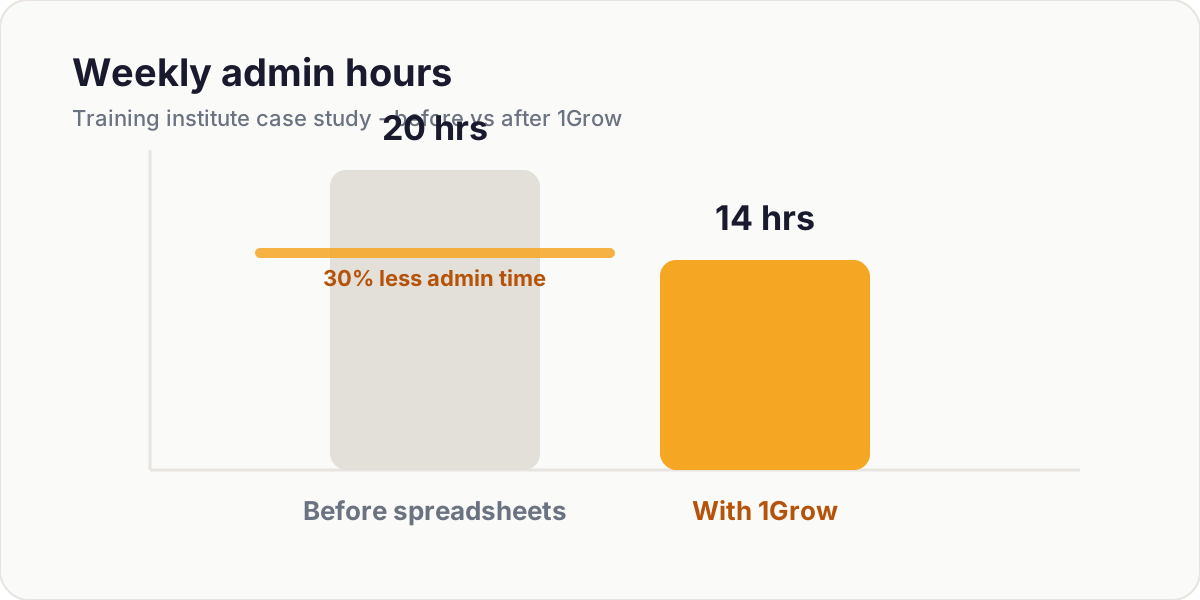
- 10-15 hours saved per week on administrative tasks
- Zero duplicate data entry across businesses
- Real-time visibility into all operations from one dashboard
- Faster decision making with consolidated reports
Getting Started
The key is to start with one business and expand. 1Grow's modular design lets you add businesses as you grow, without migrating data or learning a new system.
Tags
Related Articles
Pricing Explained: How to Choose the Right Plan for Multi-Branch Businesses
Understanding SaaS pricing variables like users, locations, and features. A decision matrix to help you pick the right plan for 1-3 branches vs 10+ branches.
7 Mistakes Multi-Business Owners Make When Scaling Operations (and How to Avoid Them)
From no single source of truth to manual reconciliations, these seven common mistakes can derail your growth. Here is how to fix each one.
Integrations That Matter: POS, Payments, and Accounting for Local Stores
Which integrations deliver the highest ROI for local retail and rental businesses, and how to prioritize your integration work.